
TRUE AI goes SOCIAL!
The TRUE community feed is now the home screen. Post with pictures and video, translate any message, get an answer from Kira in the thread, and find the trades, markets and people worth following. Plus a rebuilt home, four AI helpers, steadier payments and over 30 fixes.
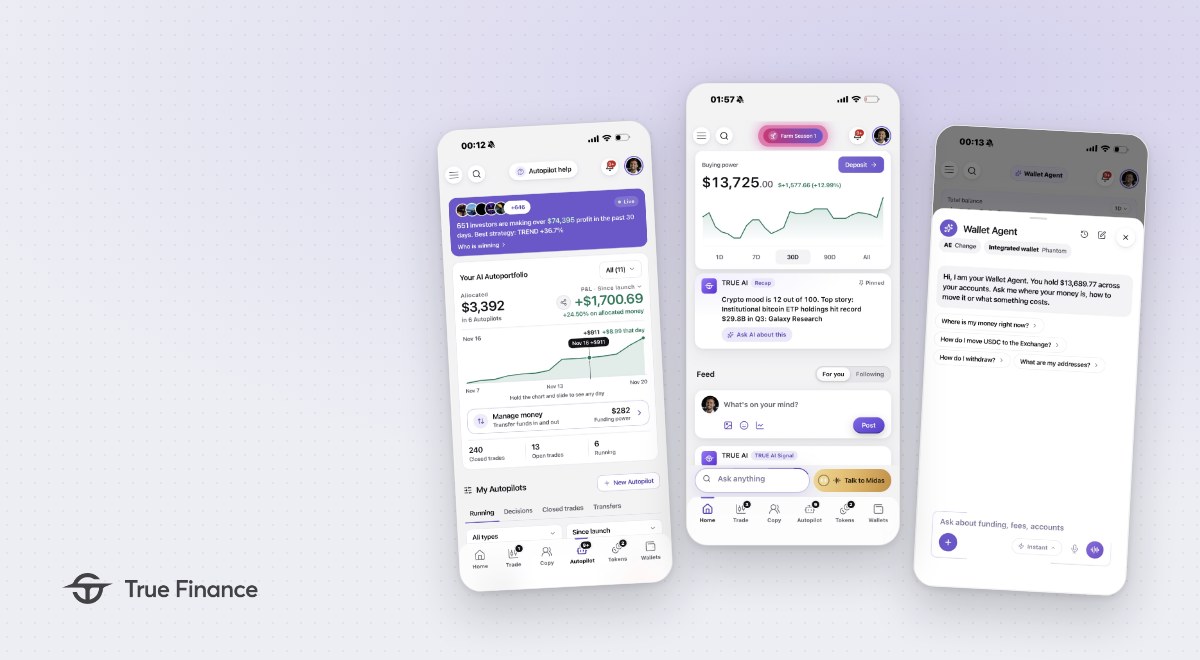
TRUE AI is going social. The feed is now the core of the home screen, you can post to it with pictures and video, read anyone in your own language, and Kira answers in the thread. Home itself is rebuilt, the Autopilot you already run reads day by day, and four AI helpers answer about your own money. There is nothing to install from a store: open TRUE, accept the restart banner, and the whole release is there.
TRUE AI goes social New
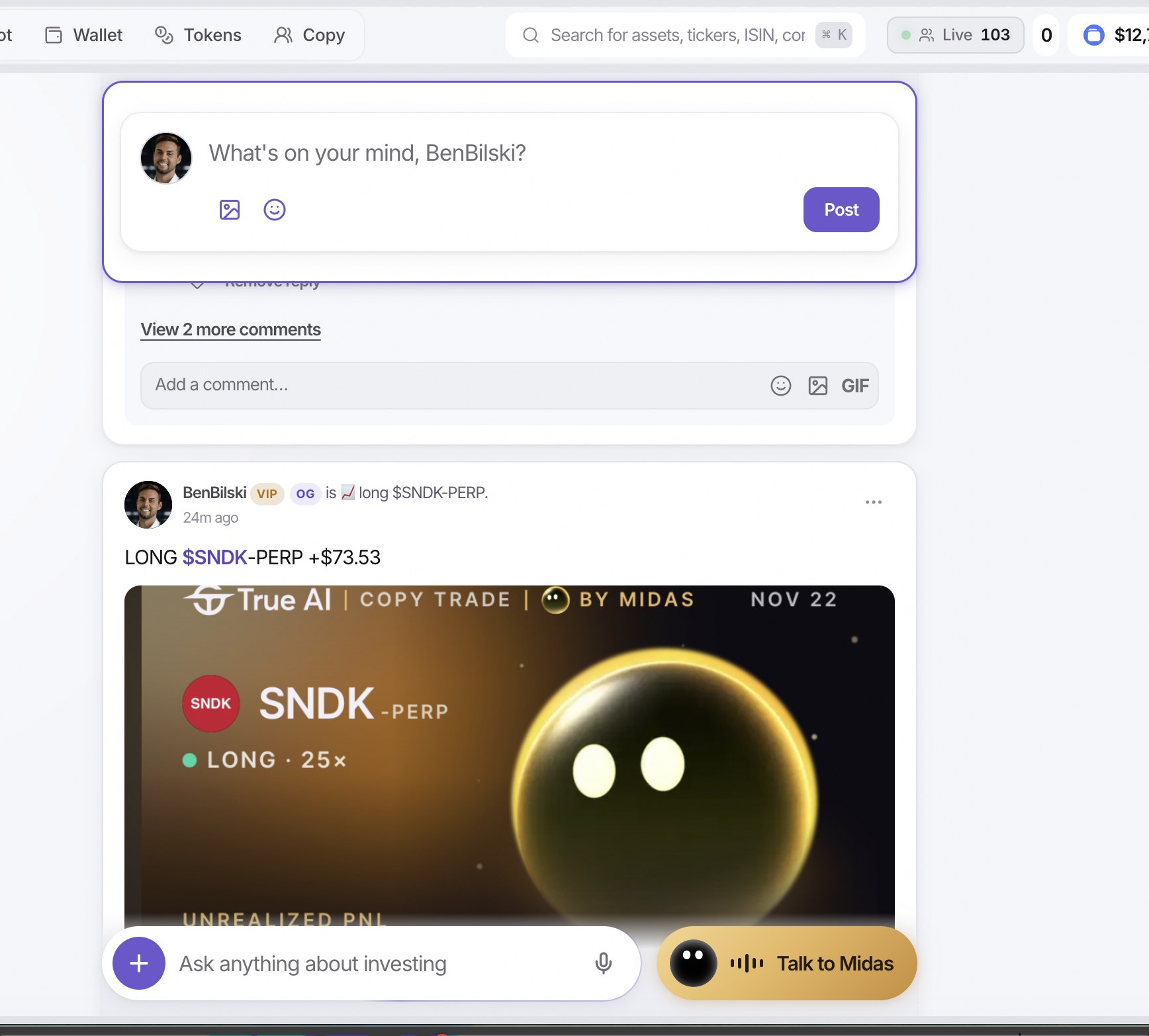
TRUE AI is going fully social. The social feed is now the core of the home screen: share, post, like, comment and engage with everyone in the TRUE community, in a feed built to the standard the rest of the app is held to. Every message can be translated. Kira answers on the feed itself. You can upload videos, links and images. And the feed puts what is worth your attention in front of you: featured posts and articles about trades, markets that are moving, people to follow and people to copy.
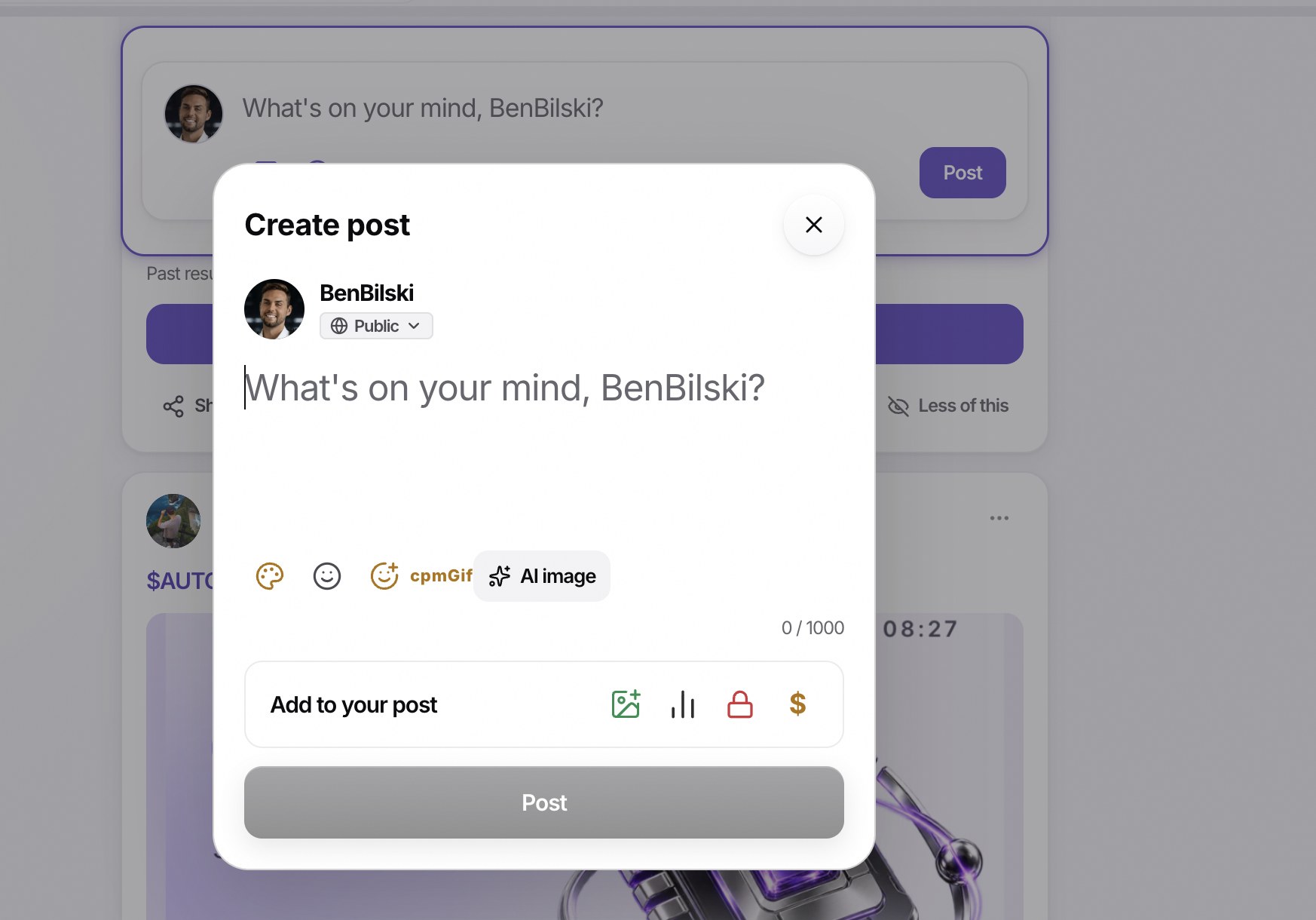
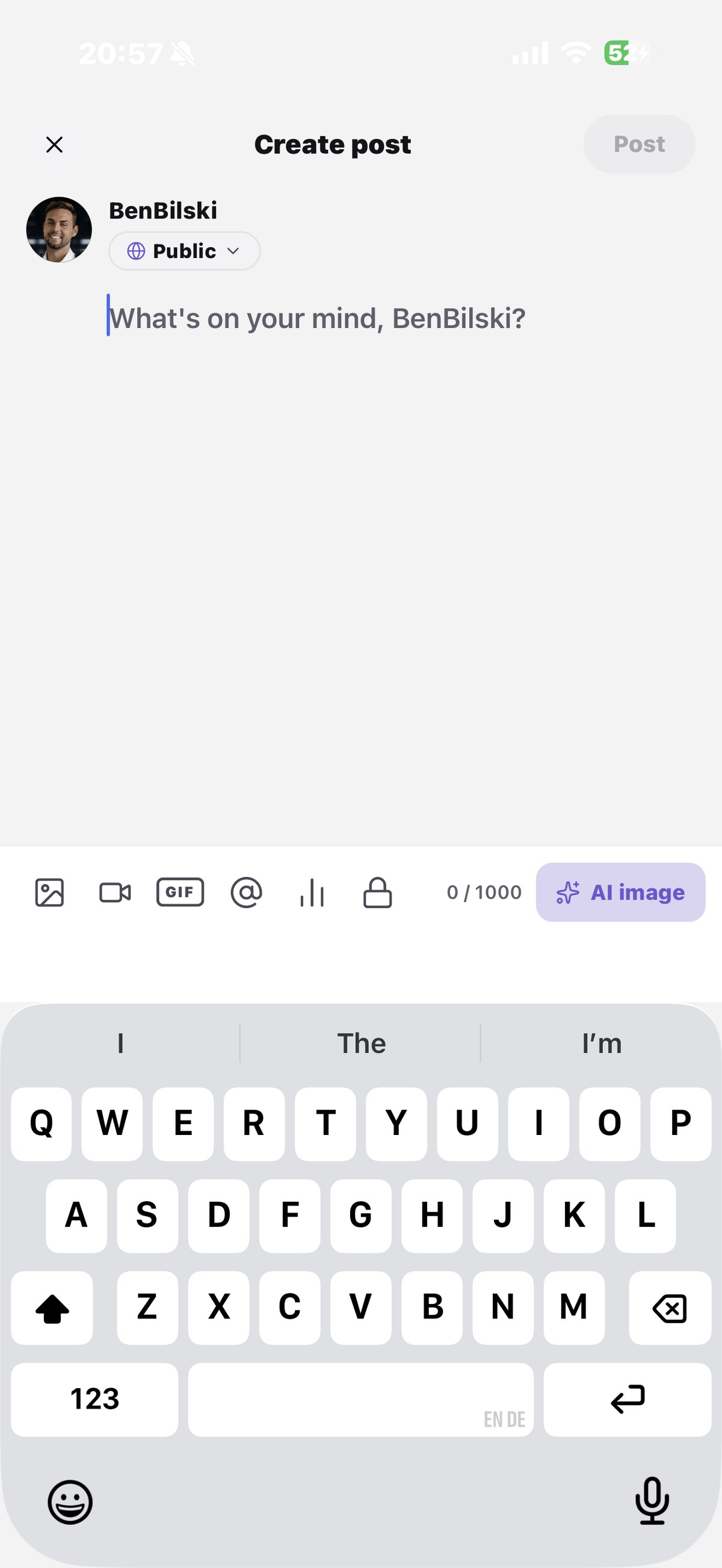
The composer takes more than words. Pictures, video, links, GIFs, emoji, a poll, an AI image, and on the web a post you can lock and charge for. On Home it is a field with the thought of the day already in it, not a button that sends you somewhere else.
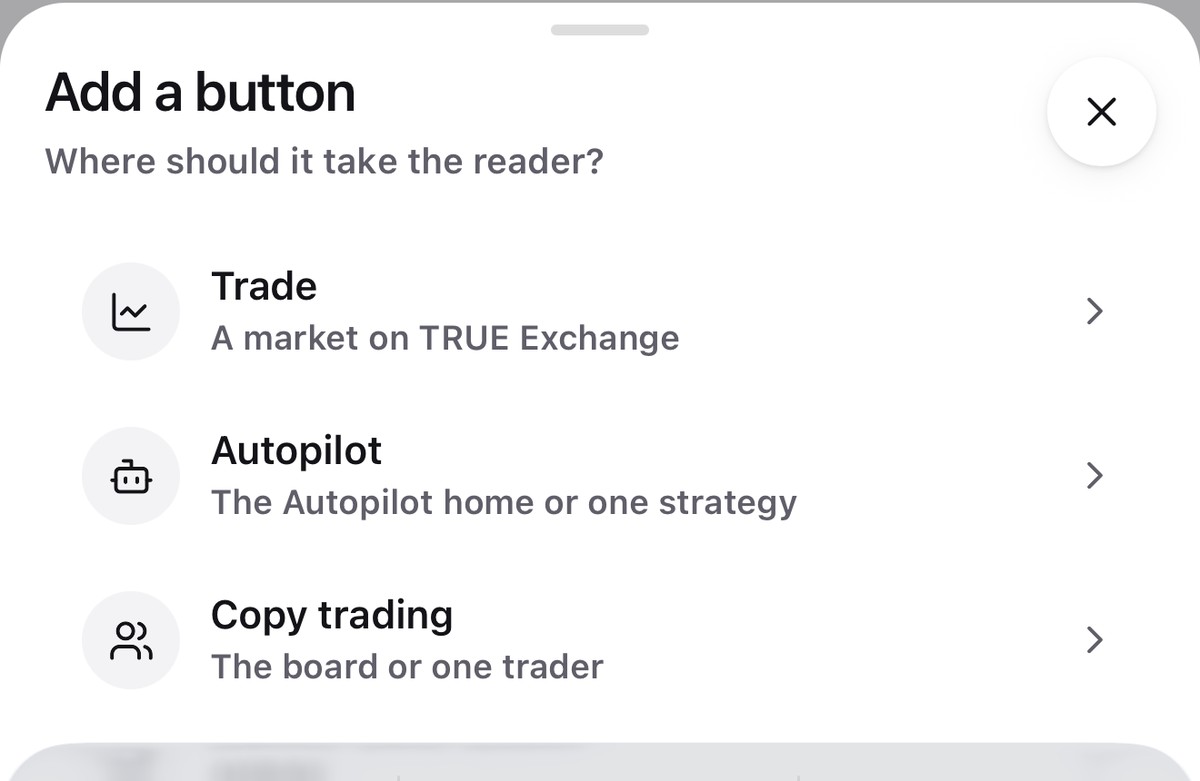
A post can carry a button. Point it at a screen in the app, a market, an Autopilot, a profile, a token, and whoever reads the post lands there in one tap instead of being told where to look.
Your post appears the moment you press Post. The sheet closes on the same frame and the post is already at the top of the feed, with your words and your pictures and a Posting chip where the clock goes, which turns into Now once it is in. It used to go quiet for up to a minute while the feed caught up, which is why people pressed Post twice. If it fails, the post stays on screen with Retry, so a dropped connection never eats what you wrote.
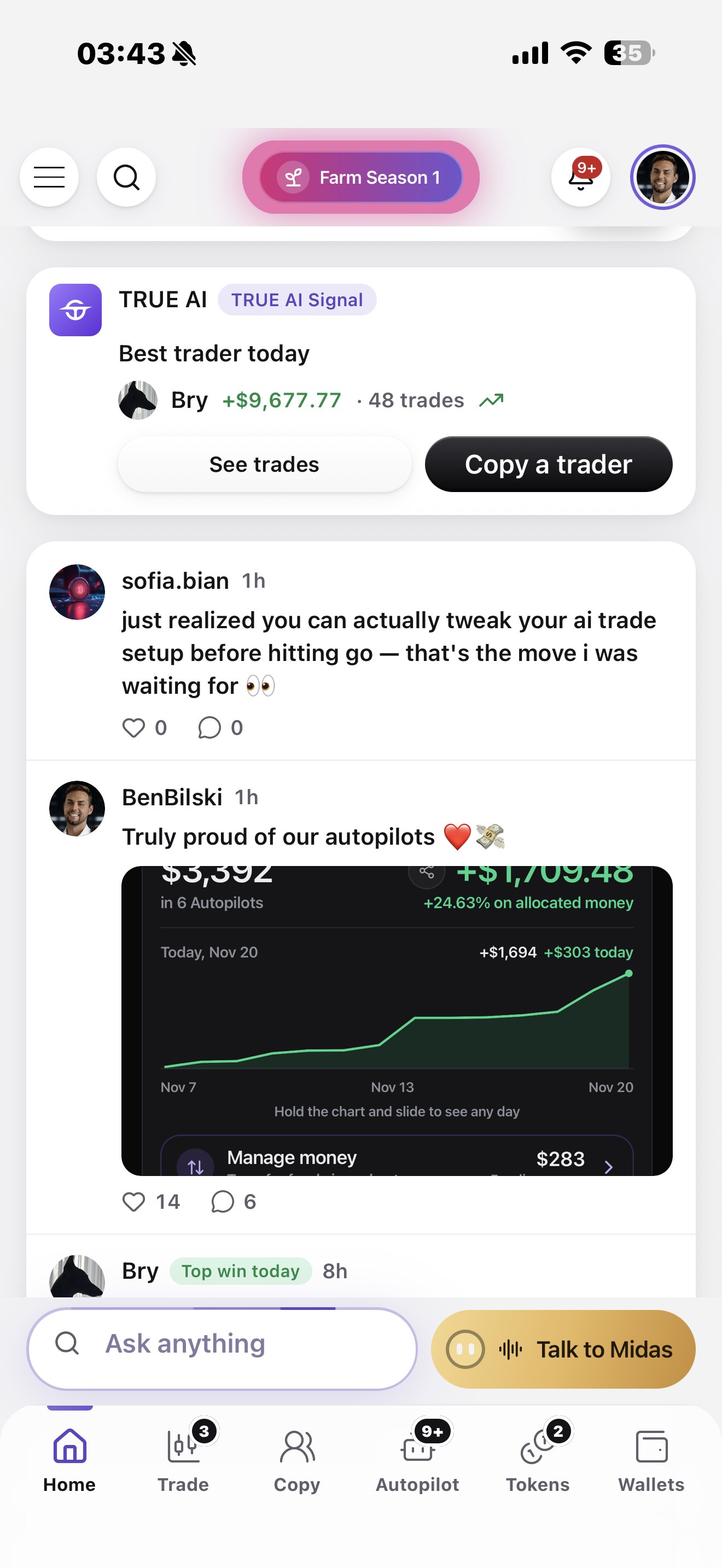
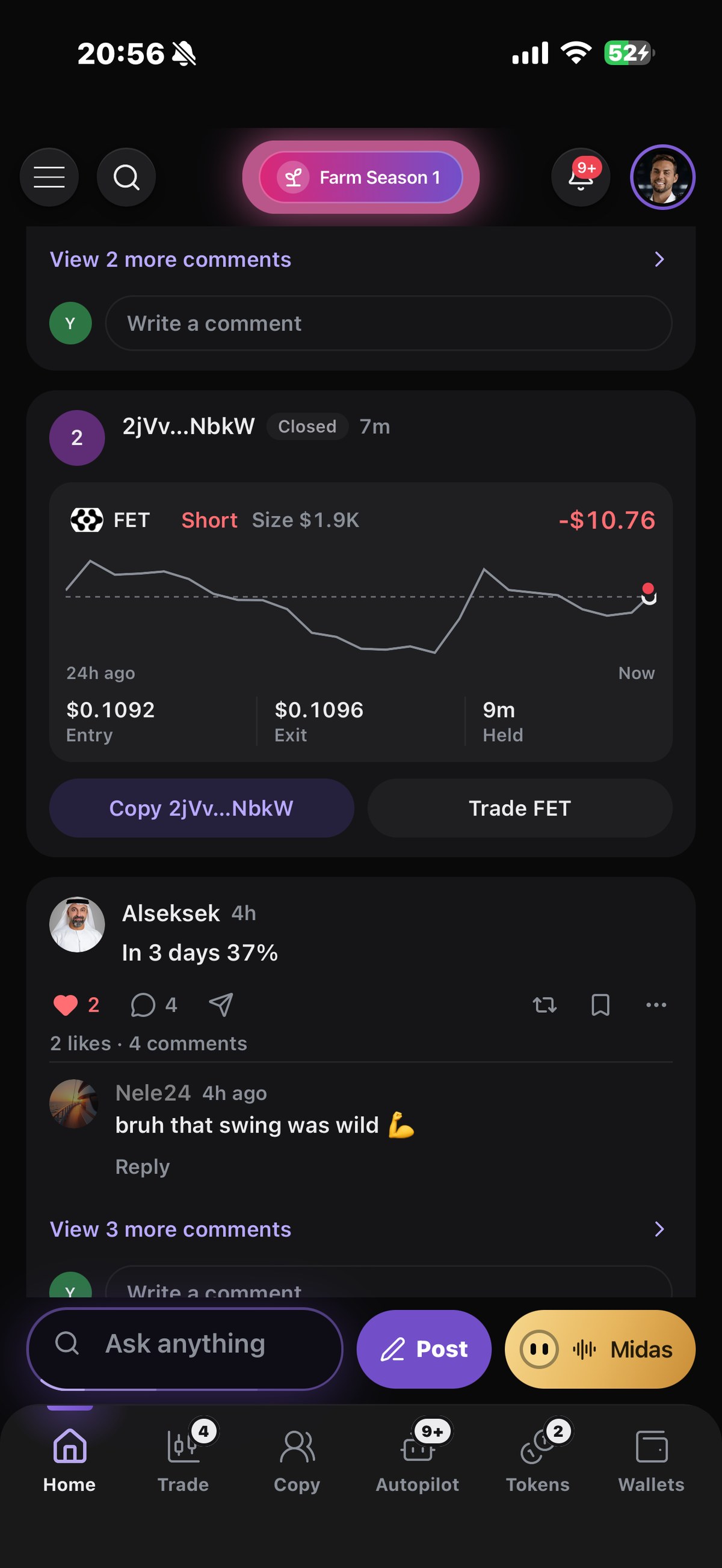
Tap Translate and the post is in your language. Post bodies and comments both, anywhere in the app, cached so switching back and forth costs nothing. Show original puts it straight back. It appears only when it is worth it, so an English post does not carry a pointless button for an English reader.
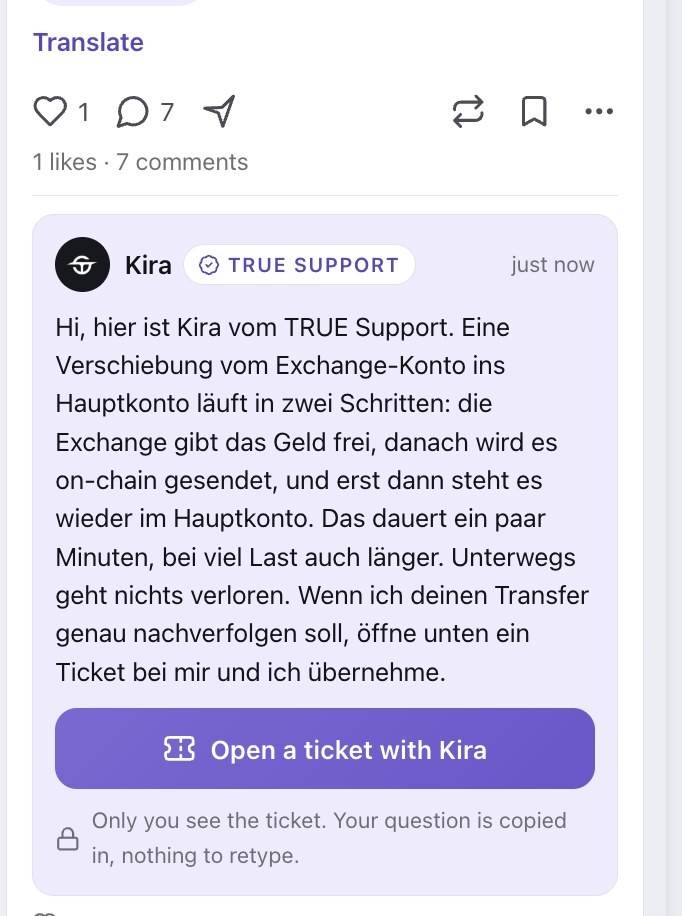
Kira answers on the feed. When a post asks something support can answer, Kira replies in the thread, in the language the post was written in, and offers a ticket that carries the question across so nothing has to be typed twice. Only the person who opens it sees that ticket.
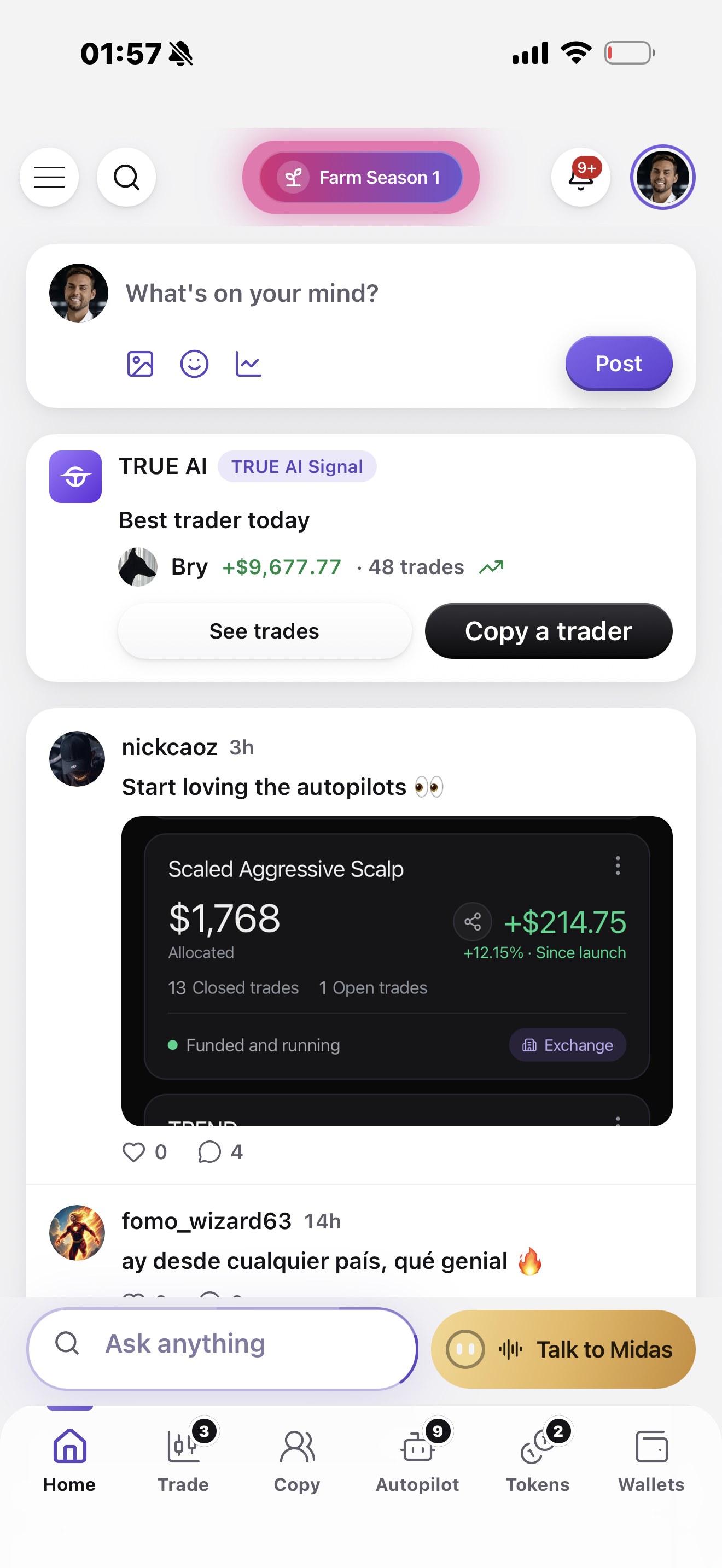
And the people are on it. The best trader of the day sits in the feed with what they made and how many trades it took, See trades opens their record, Copy a trader starts copying them. Tap any name to read their profile. The traders you follow show up with their opens, their closes and their new copiers woven in between the posts, and featured posts and articles sit alongside them: trades worth a look, markets that are moving, people worth following.
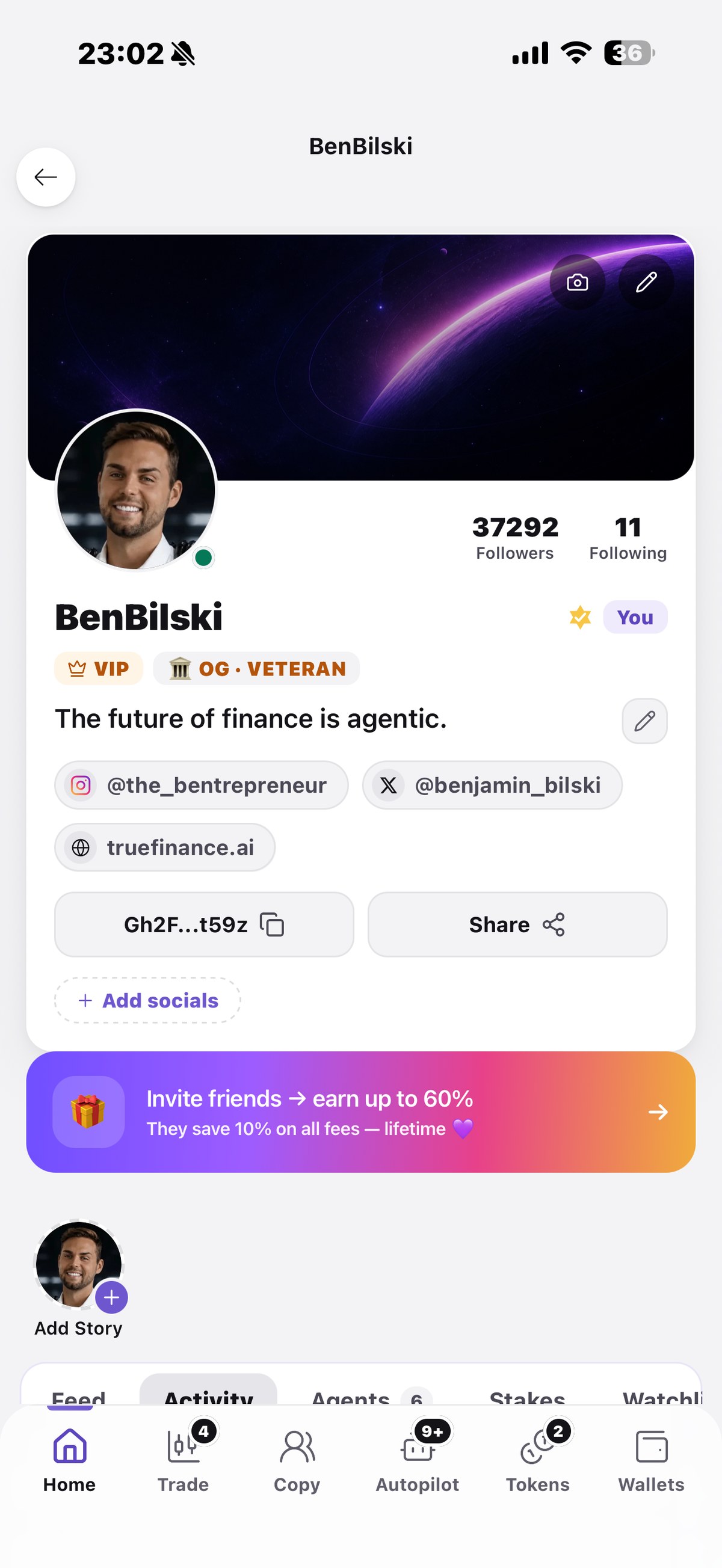
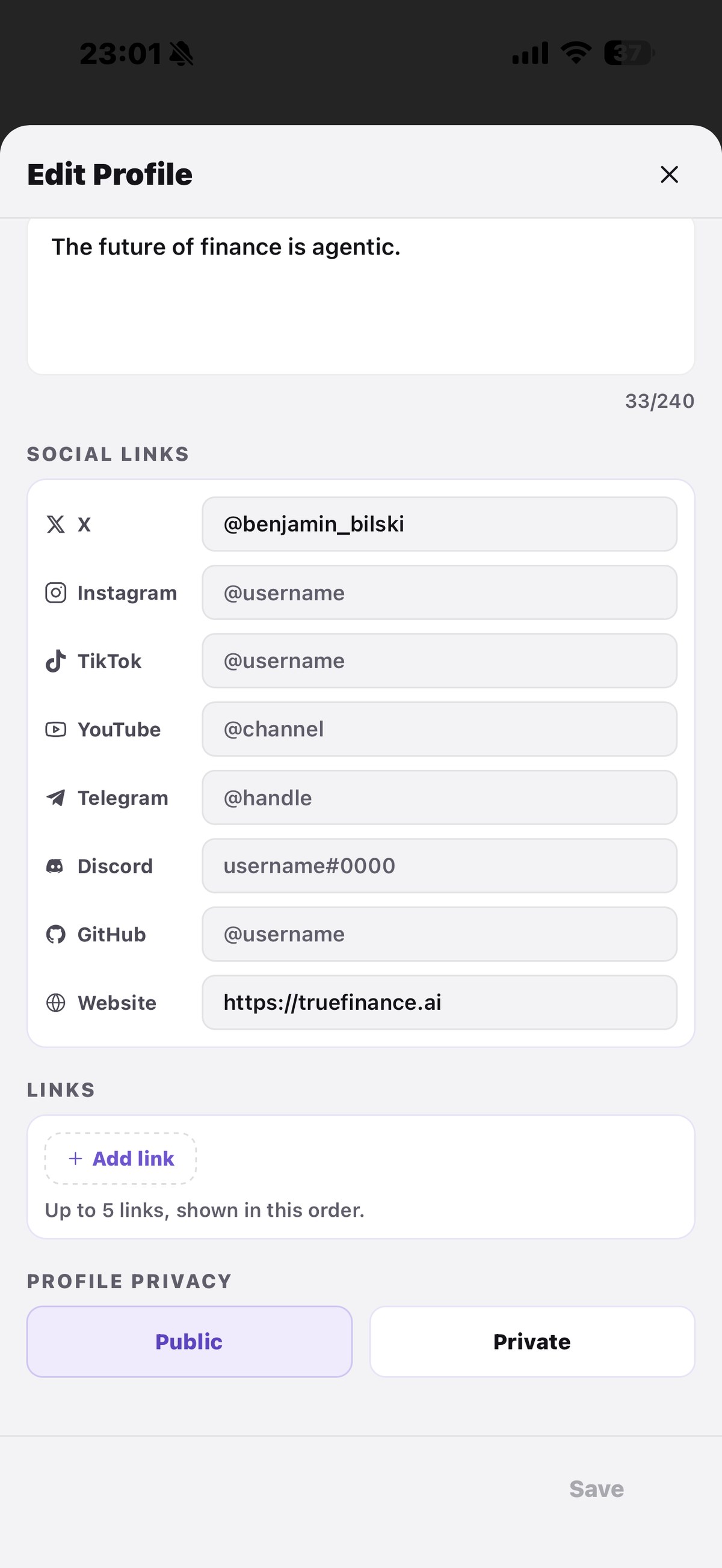
Your profile carries your own links now. Add TikTok, YouTube and Instagram and they sit on your profile for everyone who taps your name.
A new home screen New
Home has been rebuilt around the two things you open the app for: what your money is doing, and what everyone else is doing.
Buying power sits at the top with its own chart. Pick a window from 1D to All, hold the line and slide, and the headline reads your balance at that exact moment and what it has done since the window opened. Your own deposits and withdrawals are marked on the line, so a cliff explains itself instead of looking like a loss. The window you get by default follows how old your account is, and the line paints from the last one instantly rather than waiting on the server.
The balance has an eye on it. Tap it and the card collapses to one quiet strip, so a screenshot of a post never carries your money with it. The app remembers the choice on that device.
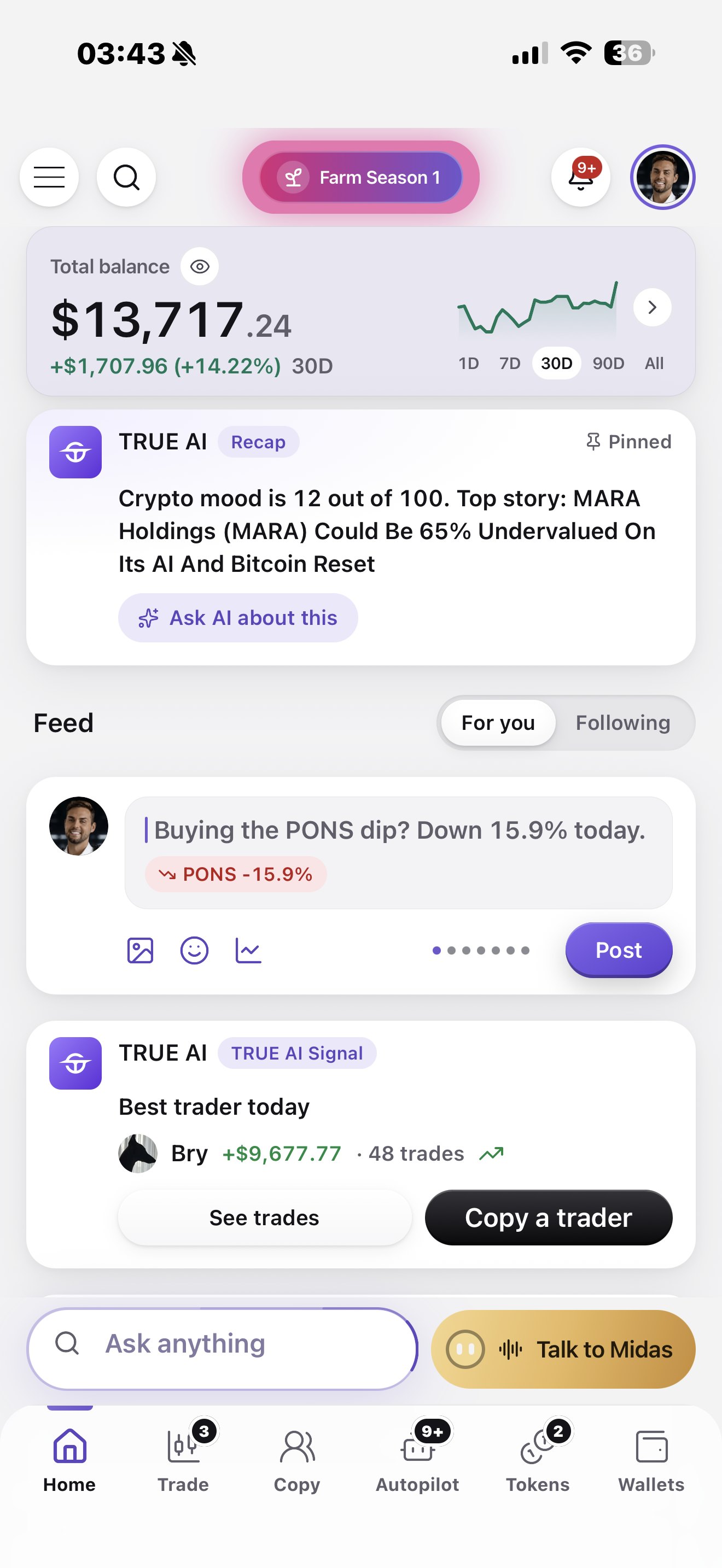
Under it, the TRUE AI recap pins the market mood and the top story with one tap to ask about it, and then the feed, in full, on Home. For you or Following, the composer, the best trader of the day, and what the traders you follow are actually doing. Scroll and it keeps going. Ask anything and Talk to Midas stay docked at the bottom the whole way down.
Your Autopilot profit, day by day New
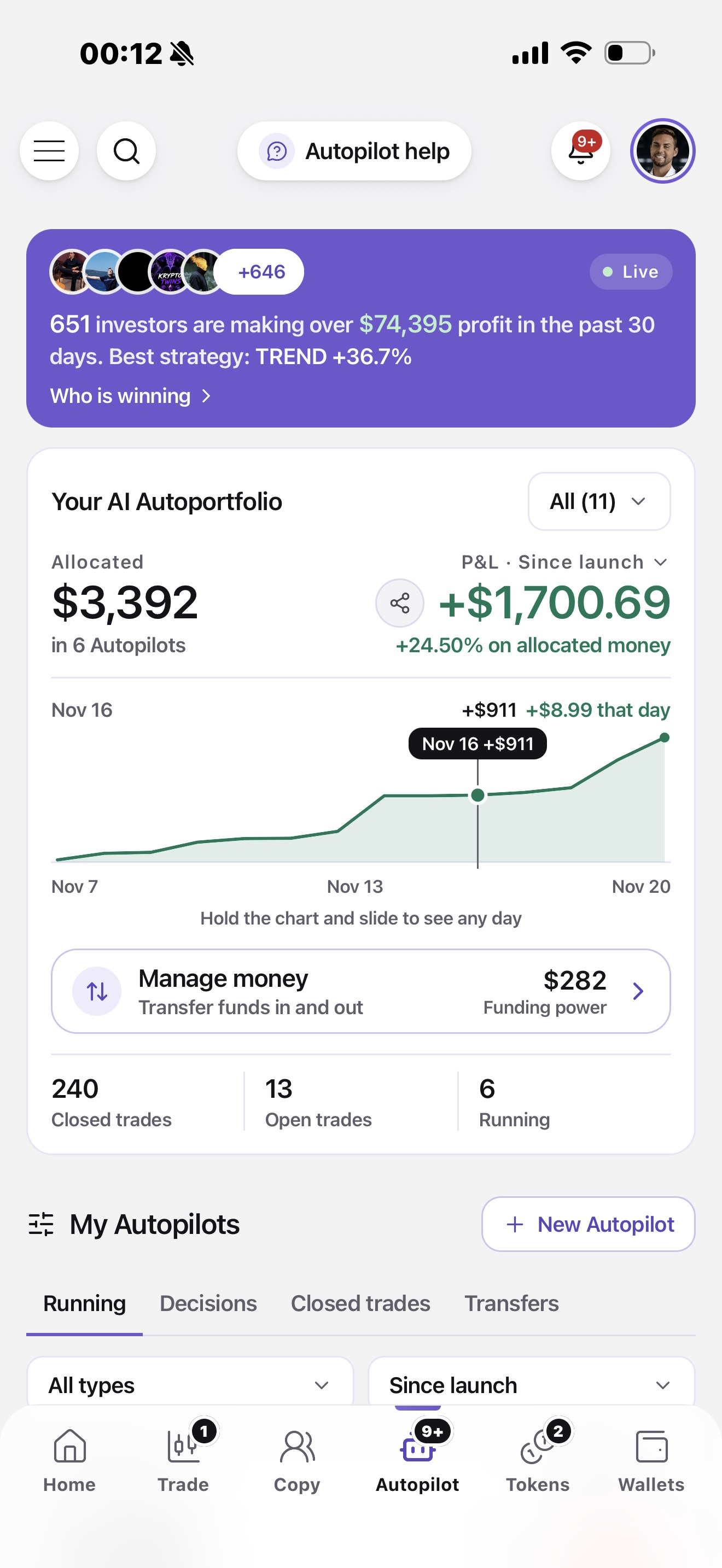
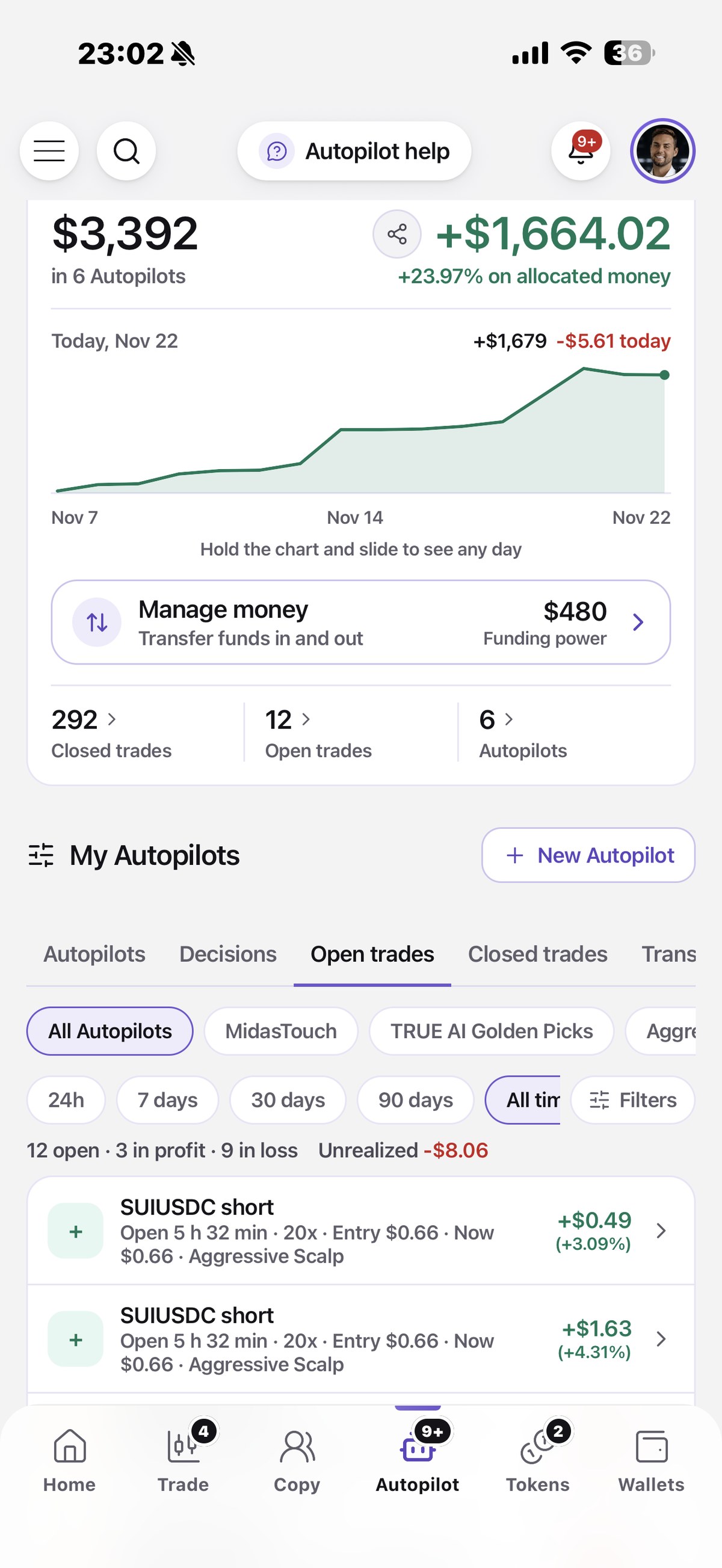
The portfolio card has a chart now. It draws itself in when the card opens, and then it is yours to read: hold it and slide. A line follows your finger across the days, and the caption above reads that day's running profit and what changed that day. Let go and it snaps back to today.
No more guessing which day the money was made.
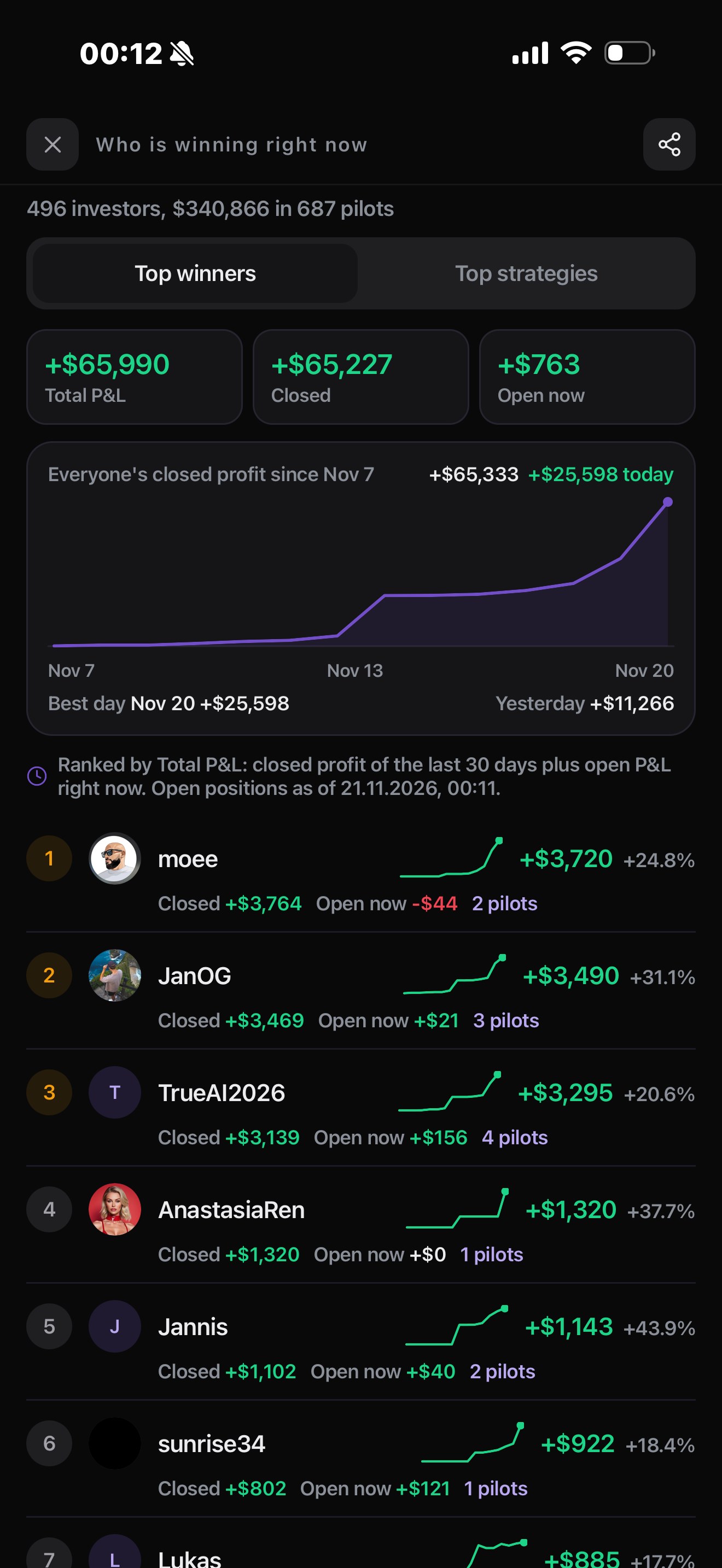
The Who is winning board got the same treatment. Everyone's closed profit is drawn as one line, with your best day and yesterday called out underneath, and every row in the ranking carries its own small spark line, so you see a shape instead of a single number.
Four AI helpers, where you already are New
A helper sheet now opens on top of the screen you are on, instead of sending you off to the chat tab. Close it and you are back exactly where you were.
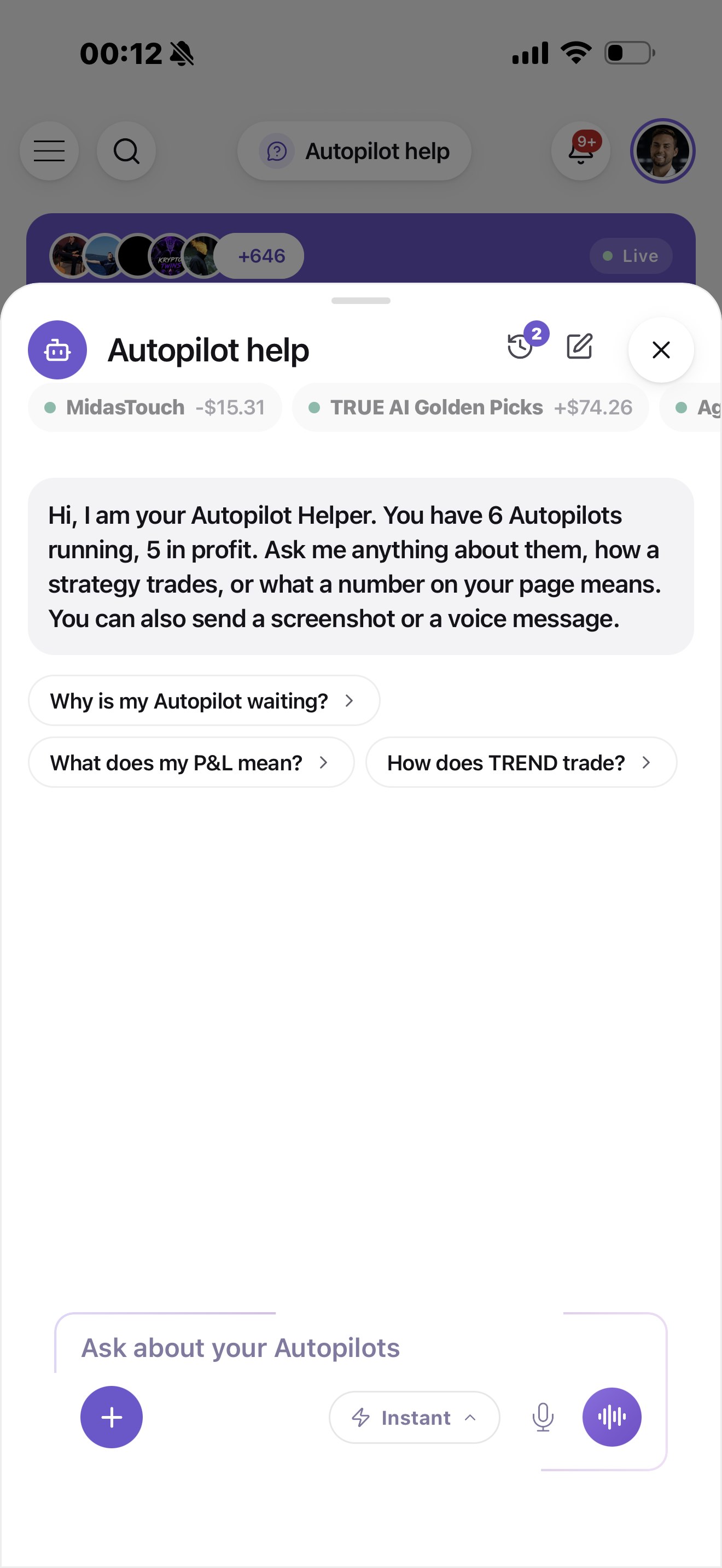
- Autopilot Helper. It knows which Autopilots you are running and how each one is doing. The pills across the top are your own Autopilots with their live profit and loss, so an answer is about that one, not about Autopilot in general.
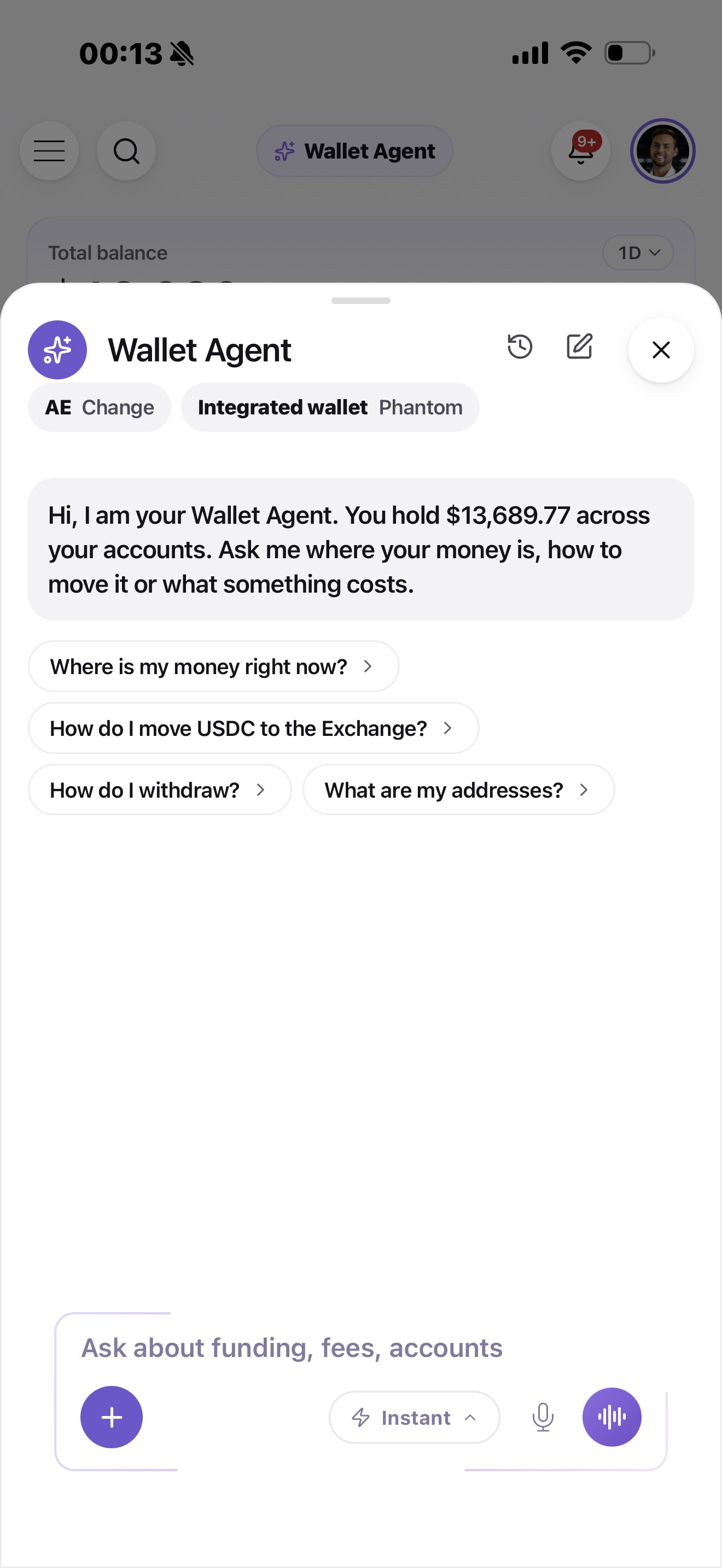
- Wallet Agent. Funding, deposits, withdrawals, chains, addresses, fees. The pills are your country and your wallet type, both switchable with a tap.
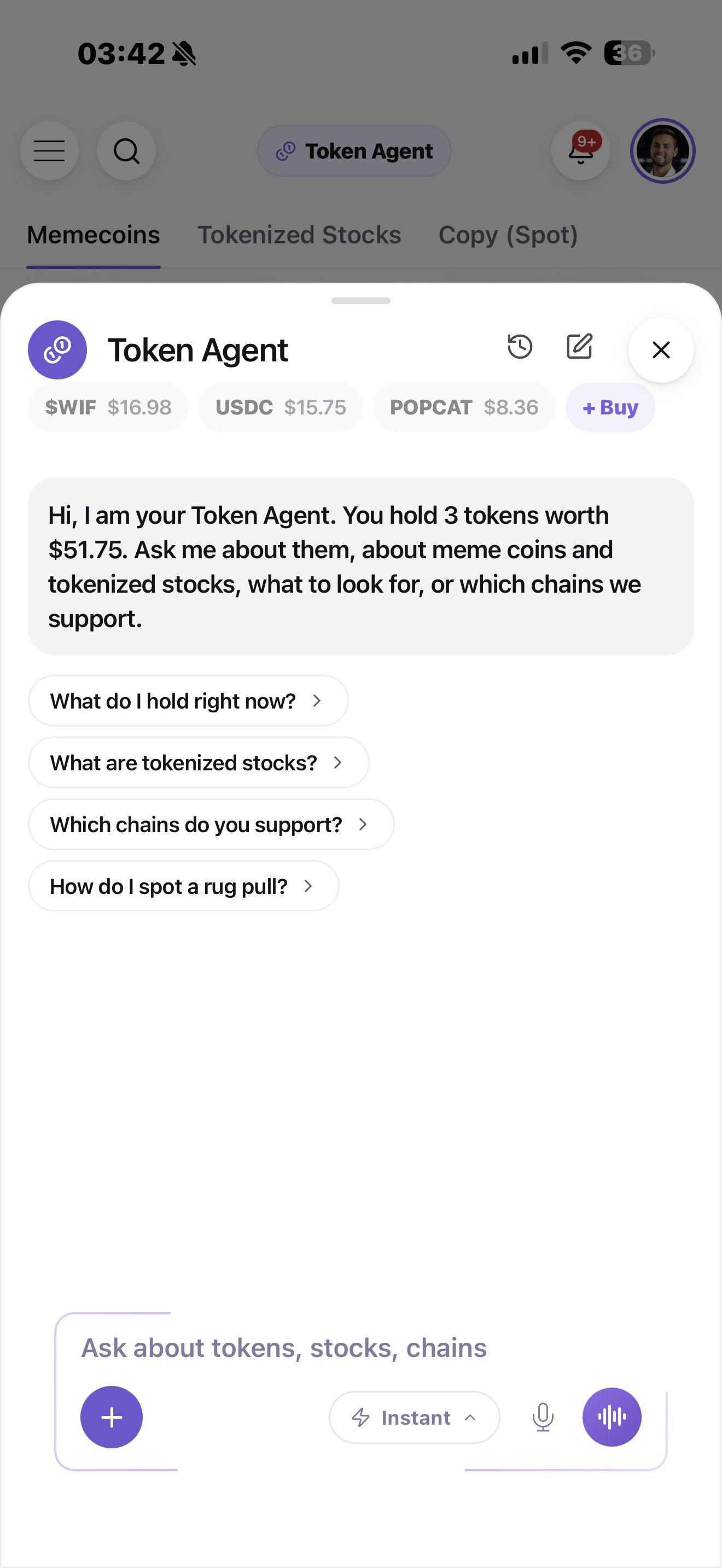
- Token Agent. On the Tokens tab. It knows what you hold and what it is worth, and answers about meme coins, tokenized stocks, which chains we support and how to spot a rug pull. The pills across the top are your own tokens with their value, and Buy is one tap away.
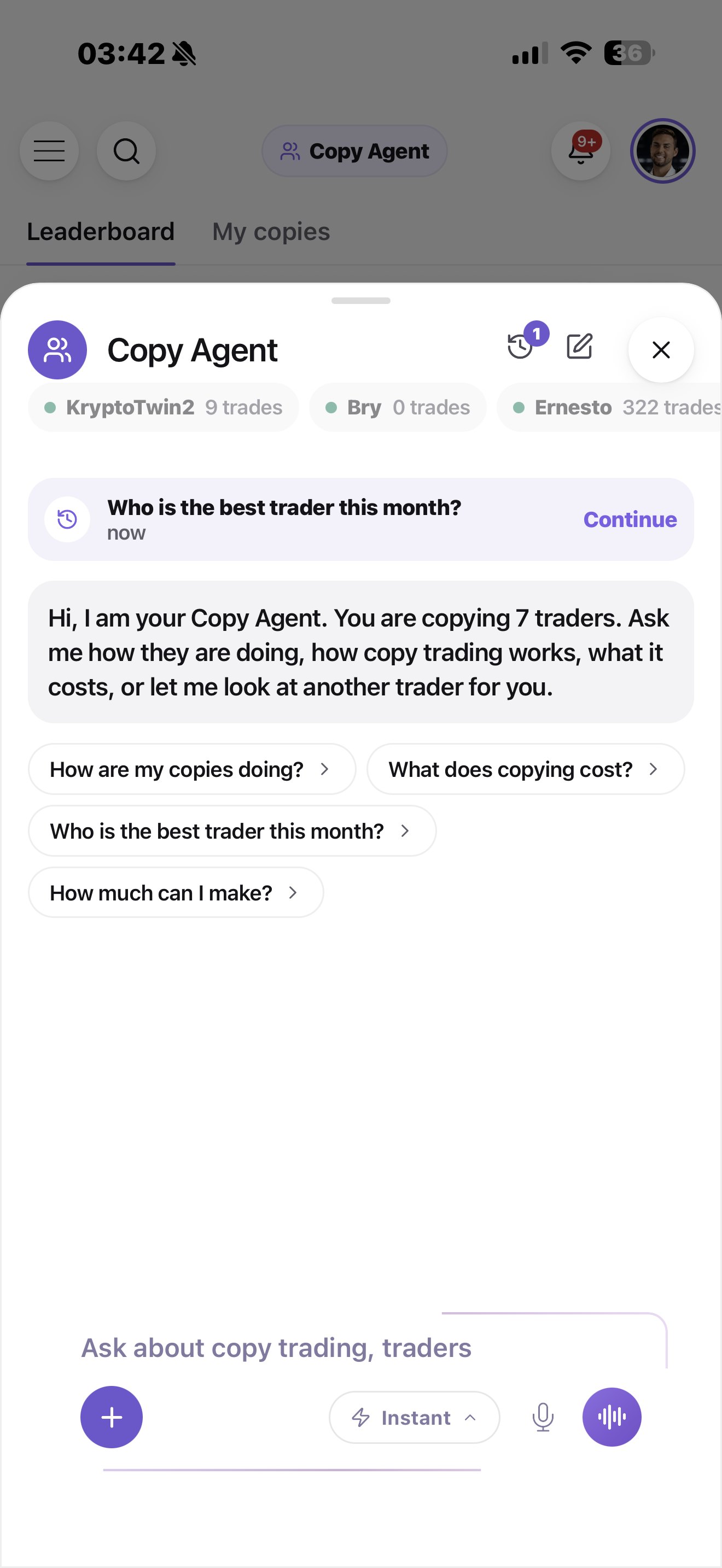
- Copy Agent. On the Copy tab. It knows who you are copying and how each of them is doing, what copying costs, who the best trader this month is, and it will look at another trader for you. The pills are the traders you copy with their trade count.
All four run the real chat inside the sheet, not a cut down copy: streaming answers, attachments and screenshots, voice messages, and a stop button mid answer. Each helper keeps its own conversation, so they never mix.
The chart screen is faster Improved
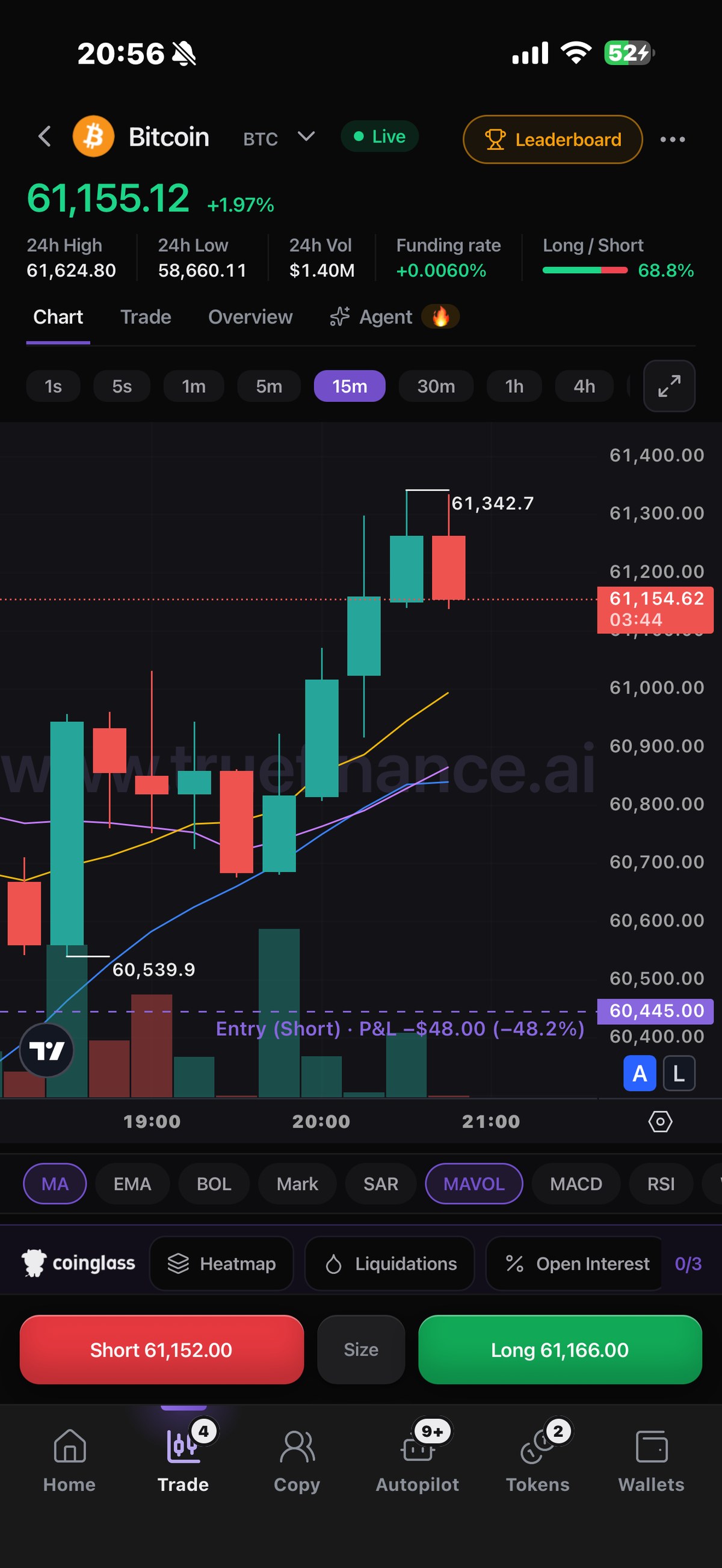
The chart screen was rebuilt. It opens faster, the candles load faster, and switching timeframe or symbol no longer leaves you looking at an empty grid. Indicators, the Coinglass row and your own entry line come back with the chart instead of arriving one by one.
Autopilot, easier to steer Improved
- Balance first on the card, with a meter showing how much of it is actually funded.
- Every open trade at once. An Autopilot shows all of its open positions together, not one at a time.
- Manage sits on the card itself and opens the same sheet as the page, one to one.
- An open position has a labelled Close position button, and the close sheet shows the fees before you confirm.
- Rename an Autopilot and your own name is what you see on the home screen.
- The fund sheet says where the money is coming from.
- No red line across live numbers while they load, and the spinner only appears when you pull to refresh.
- Transfers, editing and rights. Moving money between your Autopilots, editing one that is already running, and who is allowed to do what: all of it steadier than it was.
- The Autopilot screens load faster, the list and the cards included.
Funding got simpler Improved
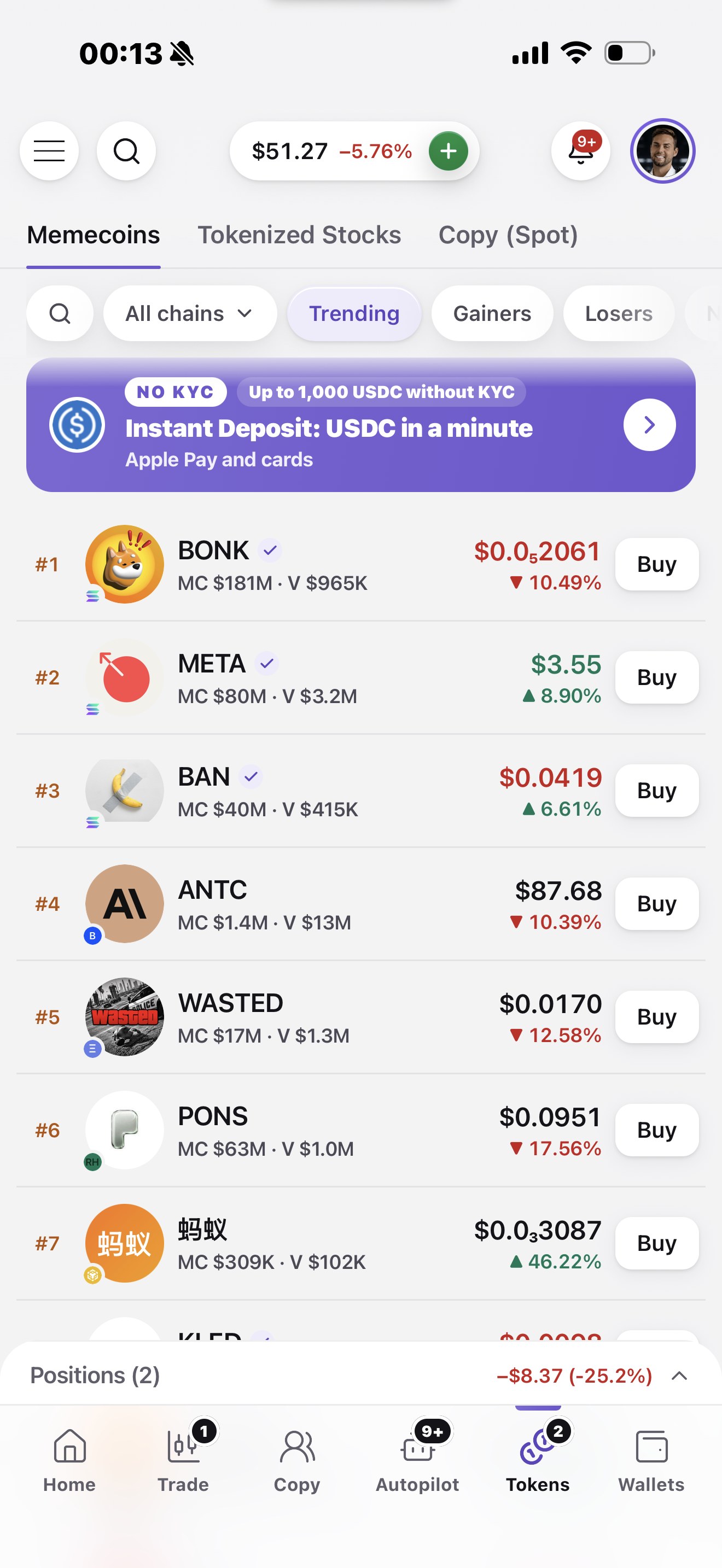
- Instant Deposit. Dollars in, USDC out. No token list, no chain to pick. Up to 1,000 USDC without KYC, with Apple Pay or a card. The sheet shows the provider fee, the conversion fee and what you end up with before you pay.
- A card, with no KYC, straight into a token. Buying a token with a card used to drop you on USDC and leave you to swap it yourself. Now the purchase keeps the token you asked for.
- Coming from an exchange? Receive now asks where the money is coming from and gives you the right address for it.
- The Accounts tab lists the biggest balance first, and the TRUE Card stands out.
- Wallet history has filter pills, and an Instant Deposit badge on the purchase and on its conversion.
- More ways to pay, on both clients. More payment methods, and the payment flow itself is steadier on the web app and on iOS.
A first minute that explains itself Improved
A new account used to sit on a screen that looked stuck. Now the line under the video names what is being built, your wallet, your Exchange account, Robinhood Chain, your Autopilots, over a progress bar with four chips that tick green as each one is really done. "Usually about 10 seconds. You can explore meanwhile", and Explore works from the first second.
Measured over 131 sign ups between 18 and 20 November: half are ready in 7 seconds on iOS and 11 on Android.
The heat is fixed Fixed
This one was real and we could measure it. A single phone sitting on the Autopilot tab asked our server for the same account 412 times in 8 and a half minutes. Across the tabs it was 200 to 450 requests a minute, and the Wallets tab spent 27% of its time in serious thermal throttling. That is the part you felt as a hot phone and a battery that did not last.
Now identical requests join one another instead of stacking up, a burst of price or money notifications folds into a single refresh, and holdings poll less often while still updating the moment something actually happens. Screens open faster because of it, the Home feed and the long lists most of all.
Tabs open dramatically faster too. Moving between Home, Trade, Copy, Autopilot, Tokens and Wallets no longer waits on work that was already done, and more of the heat work landed with it.
Fixed along the way
- A chat answer never comes back blank, and the final answer renders even when the streaming bubble was lost.
- German dates and numbers survive the chat formatter.
- Notifications show their whole message, and the announcement capsule shows two lines instead of cutting off.
- On Android the navigation bar no longer covers the button at the bottom of the money screens.
- Card activity and card notifications name the merchant.
- The contest screen shows the Mystery Boxes you already collected, and today's progress.
- Over 30 more small fixes and stability improvements across the app.